ResolvePP-014
Use zones overlap by 18 in.
Measured from the submitted plan geometry. Move the swing bay or revise the adjacent composite structure.
Required72 in.Shown54 in.
Playground plan review + reporting
PlayPliant checks playground drawings, equipment data, surfacing documents, and accessibility requirements in one pass. Find conflicts before ordering, send CPSIs an organized exception queue, and build the report without reconstructing the project by hand.
 Project review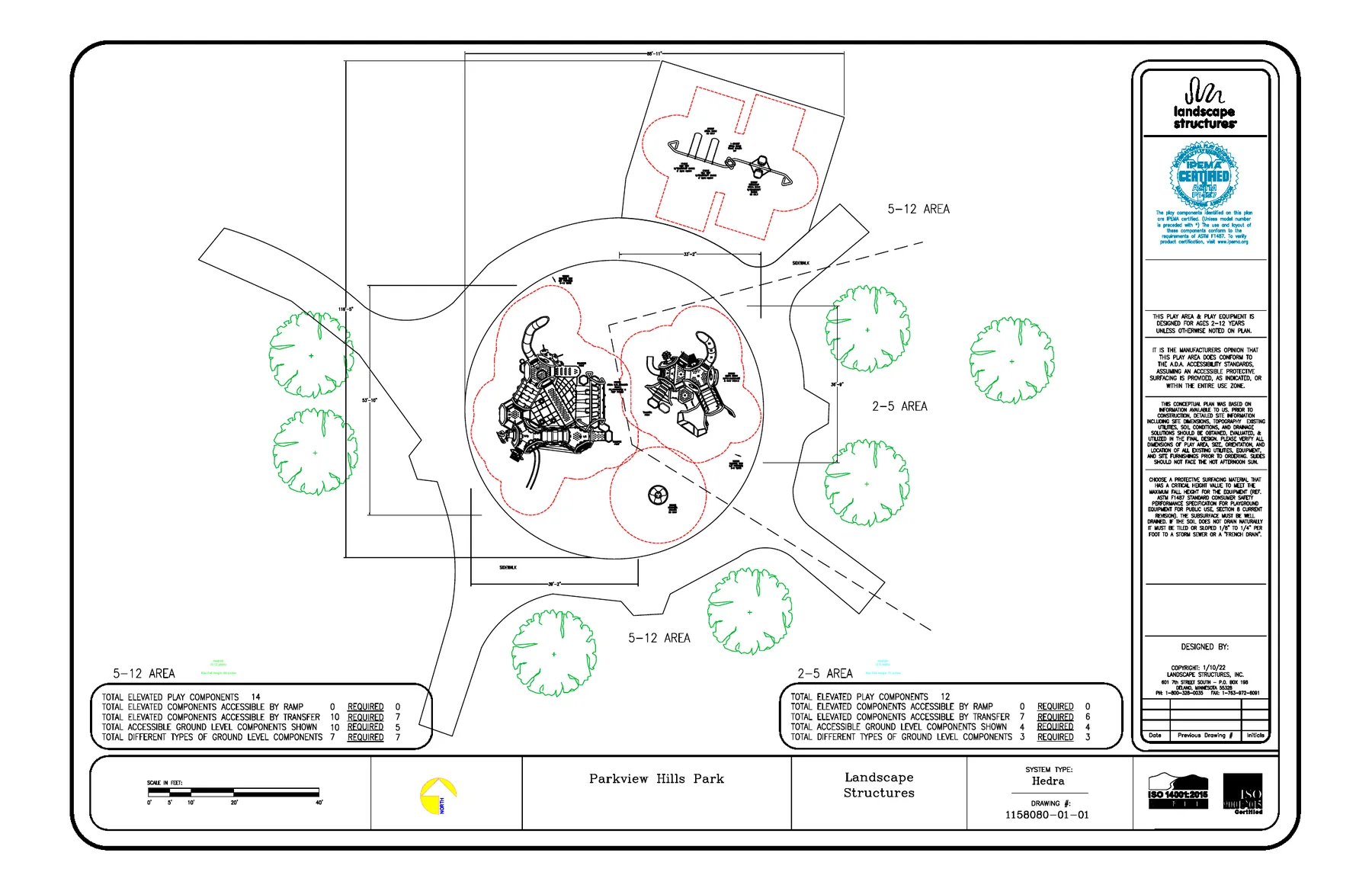
Measured from the submitted plan geometry. Move the swing bay or revise the adjacent composite structure.
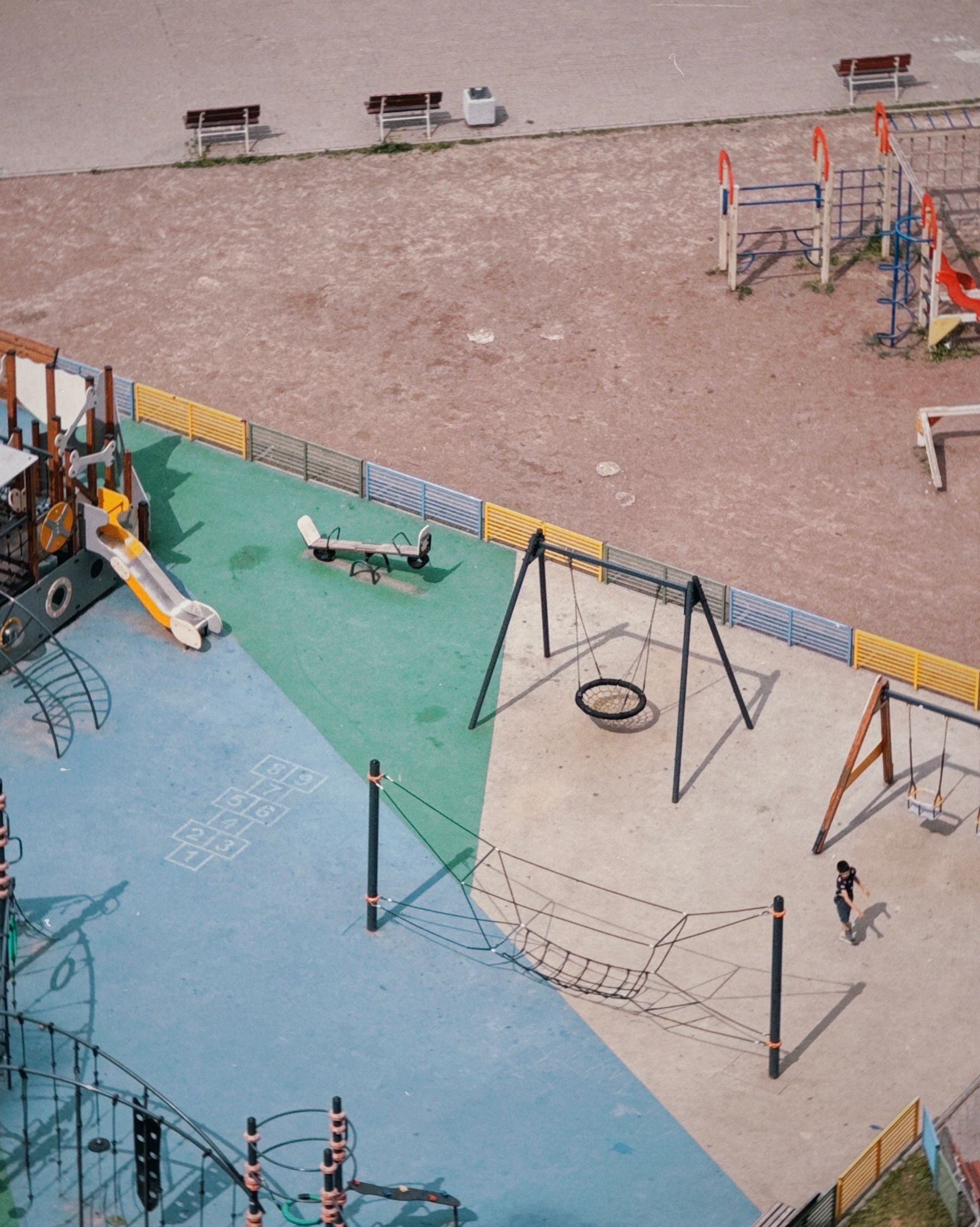
Plans, schedules, product data, and surfacing evidence stay together.
Pass, conflict, missing input, or professional review. No vague checklist.
Review what needs judgment instead of repeating every measurement.
Every decision retains its source, calculation, status, and reviewer note.
The product
PlayPliant turns a scattered submittal into a structured review. It reads the information already present, compares it across sources, runs the repeatable checks, and makes missing evidence obvious.
Automated checks
Passed
Resolve
Missing inputs
54 in. shownThe swing use zone intersects the adjacent structure clearance. Values were measured from the current plan revision.
Sources: Hedra_Plan_R04.pdf · Equipment schedule E-2
Automated checks
When the source values are present, PlayPliant calculates a result. It does not merely tell the reviewer what they should inspect.
Measure use-zone overlaps, equipment spacing, clearances, route widths, and conflicts against the current plan revision.
Compare elevated and ground-level component counts, accessible routes, ramp ratios, and transfer-system evidence.
Match equipment fall height to the submitted surfacing critical height and flag absent or conflicting test documentation.
Find missing files, age-range conflicts, mismatched component IDs, stale revisions, and values that disagree across sources.

The workflow
Bring the plan, elevation, product schedule, surfacing data, and project notes into one record.
PlayPliant extracts dimensions and IDs, matches values across sources, and calculates findings.
The CPSI resolves conflicts, confirms assumptions, requests missing evidence, and records professional decisions.
Export an organized record with callouts, calculations, supporting evidence, priorities, and reviewer status.
One project, every view
A top-down plan answers clearance and use-zone questions. Elevation and product data answer height questions. PlayPliant keeps both attached to the same piece of equipment and the same report.
01 Use-zone conflict
02 Route width
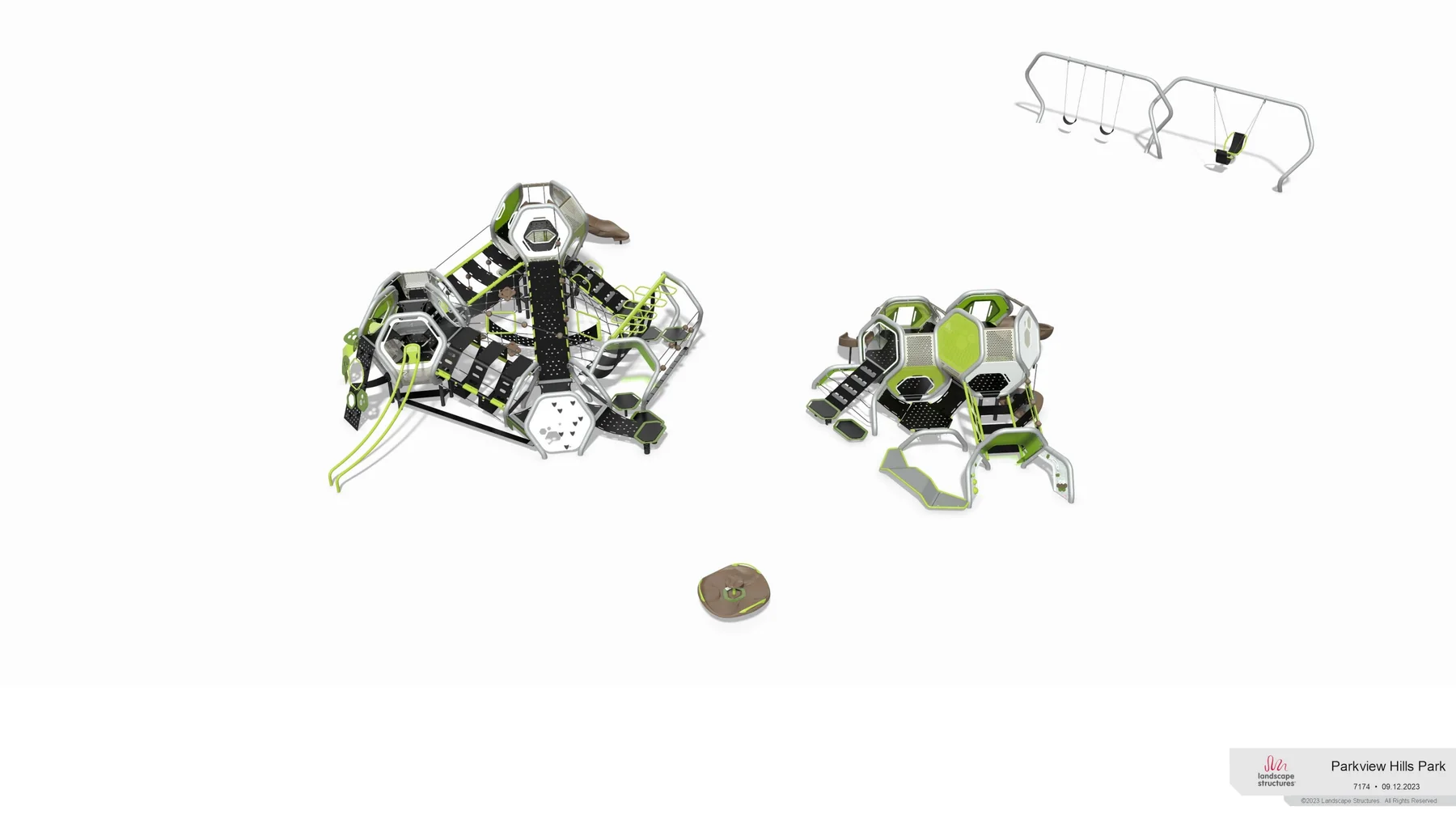 03 Highest designated play surface

Interface and project values shown here are representative product examples, not a completed inspection or certification.
Plan review and field verification
PlayPliant closes the paperwork and plan-review gap before the CPSI reaches the site. Field time can stay focused on the conditions a file cannot prove.
The result is not duplicate work. It is a prepared review record followed by a focused professional inspection.
Report output
Every finding explains what was checked, which values were used, where they came from, and what happens next. Reviewers can confirm, revise, assign, or defer a finding without losing the audit trail.
Location Plan marker, equipment ID, and sheet reference.
Evidence Submitted value, source file, and revision.
Result Requirement, calculation, status, and priority.
Decision Reviewer note, disposition, owner, and history.
PLAN REVIEW REPORTPP-014The plan shows 54 in. where 72 in. is required. Revise the swing bay or adjacent composite placement before release.
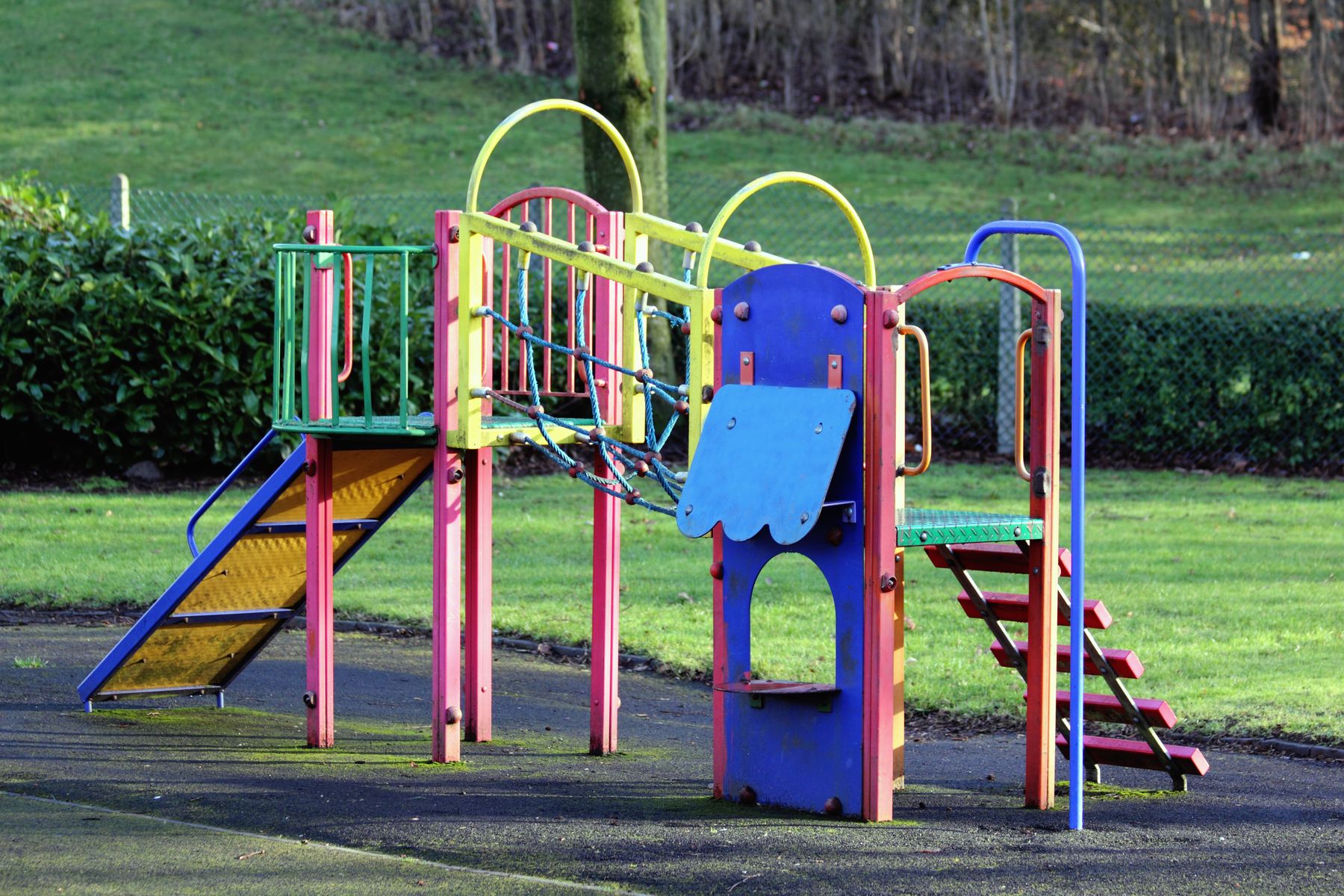
Where the value shows up
The cheapest time to resolve a use-zone conflict, missing surfacing document, or accessibility gap is before equipment is ordered and crews are on site.
Surface conflicts during plan review, when the team can still move equipment, update a schedule, or request evidence.
Give CPSIs a calculated exception queue and linked sources instead of a folder that has to be rebuilt into a review.
Carry approved findings, callouts, notes, and attachments directly into a consistent deliverable.
Built around the review work
Use PlayPliant as the shared review layer for the people who prepare, check, revise, and document a playground project.
Receive an organized project, confirm the exceptions, record judgment, and generate a consistent client report.
Use the same checks, finding structure, priorities, evidence fields, and report format across the team.
Run an early review, correct the submittal, and hand the CPSI a cleaner package with fewer open questions.
Track what was submitted, what changed, what remains open, and which decisions were verified in the field.
Product questions
PlayPliant is designed to complete the repeatable review work while keeping professional judgment and field verification in the right hands.
PlayPliant produces calculated plan findings, an exception queue, and a CPSI-ready review record. A qualified professional remains responsible for the final determination, and installed conditions still require field verification.
No. Each automated finding retains its inputs, calculation, source, and confidence so the reviewer can work by exception. The CPSI or reviewing organization decides which results require confirmation under its own professional policy.
The plan view supplies geometry for use zones, routes, spacing, and clearances. Elevations and equipment data supply platform and fall heights. PlayPliant connects both views so each finding has the dimensions it needs.
PlayPliant marks the input as missing or routes it for professional review. Assumptions are displayed and recorded, never buried inside a pass result.
The planned intake supports plan PDFs, CAD and KCD exports, product schedules, specifications, surfacing reports, images, spreadsheets, and packaged project files.
Put the next project through PlayPliant
Load a sample project, see how the exception queue works, and follow the path from submitted files to a report-ready review.